

The Church By Faith app
Grow in faith. Stay connected. Walk with us.
Church By Faith is the free app Jesus King of Kings Healing and Deliverance Ministry uses to stay close all week: the Bible, teachings, prayer, a pastor when you need one, and the people you pray with — in English or Spanish.
Currently available for AndroidFree to download. Giving is always optional.
What you can do in the app
Everything below is in the app on Google Play today.
Read the Bible every day
Read and search the Bible, and build a daily habit with devotional reading plans.
Listen to teachings
Watch and listen to the ministry’s sermons and teachings, and download the audio to listen without a connection.
Book one-on-one prayer
Choose a time for a free, private conversation with a pastor and see your upcoming appointments. You can book before you have an account.
Ask for prayer
Share a prayer request with your church from the Prayer tab and find your requests in one place.
Join live prayer
See when a live prayer room is open and join it on Zoom from the app once you are signed in.
Groups and messages
Chat with your group, and read and answer your direct messages.
Events and notifications
See what is coming up and the details of each event. Turn notifications on in the app, and choose in your phone’s settings which kinds — messages, prayer, calls or general — you receive.
Classes and courses
Enrol in courses and go lesson by lesson at your own pace.
English and Spanish
Use the whole app in English or in Spanish and change the language whenever you like.
Some sections appear only when your church has turned them on.
A look inside
Real screenshots of the app on an Android phone.
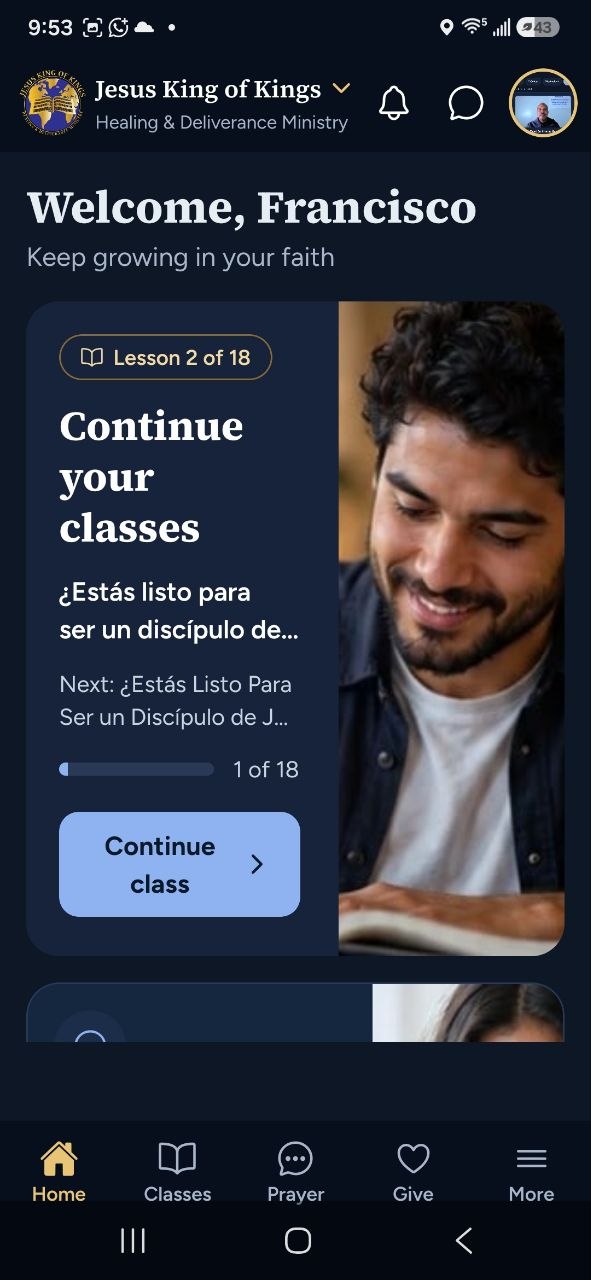
HomeYour church at a glance 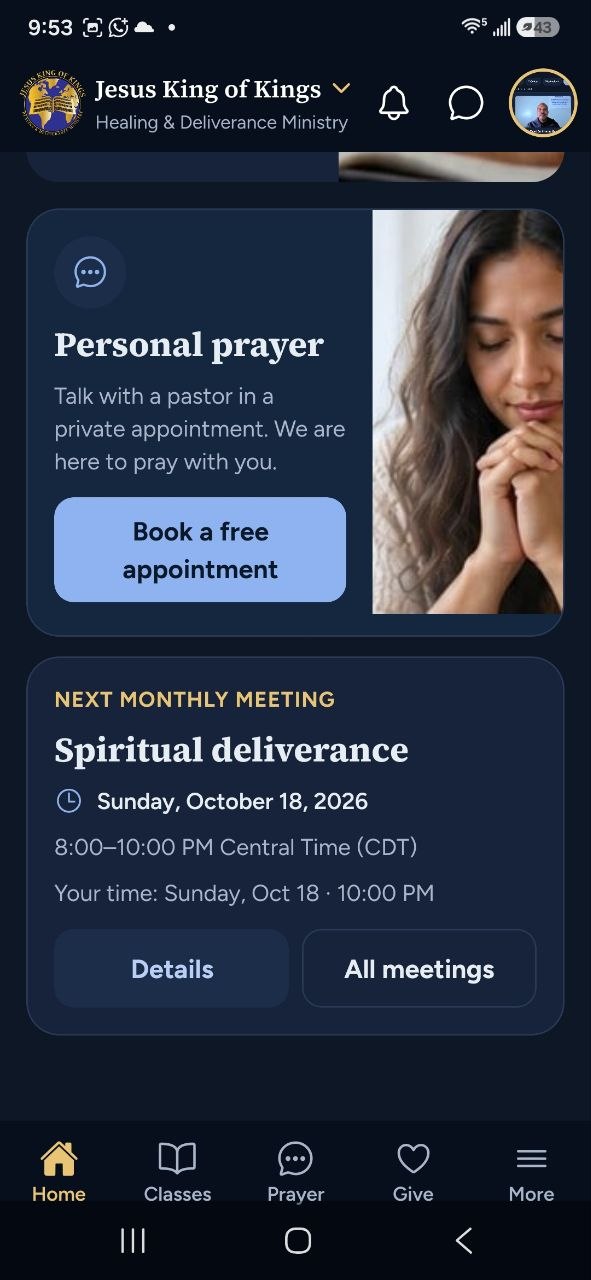
Personal prayerBook a free time with a pastor 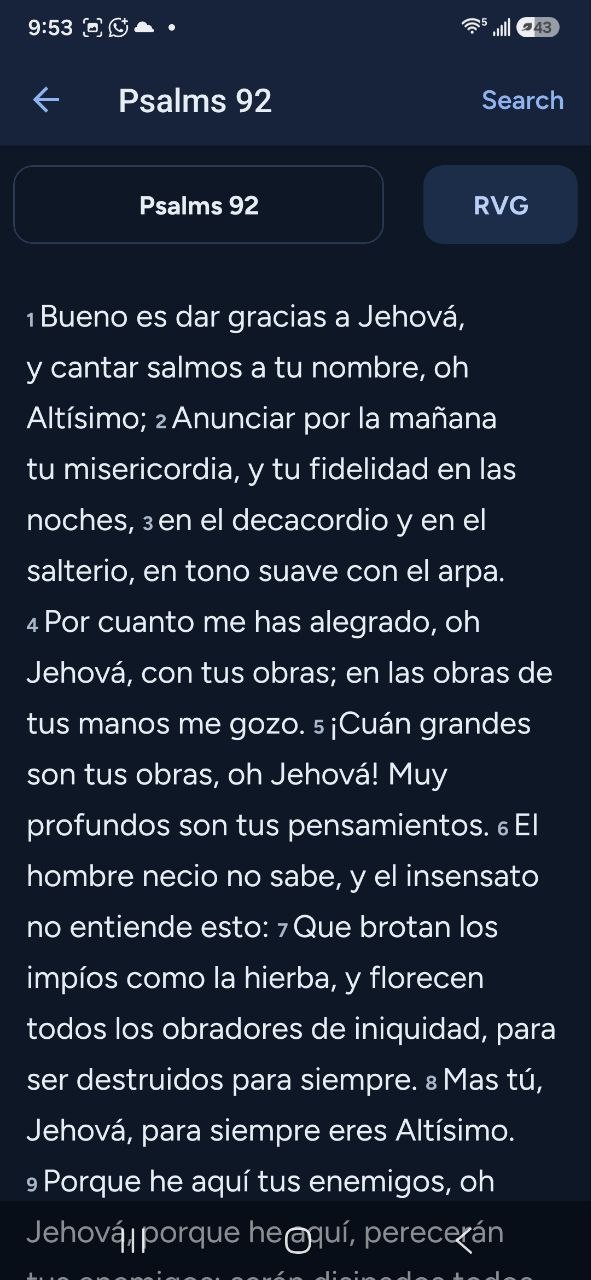
BibleThe Bible in several versions 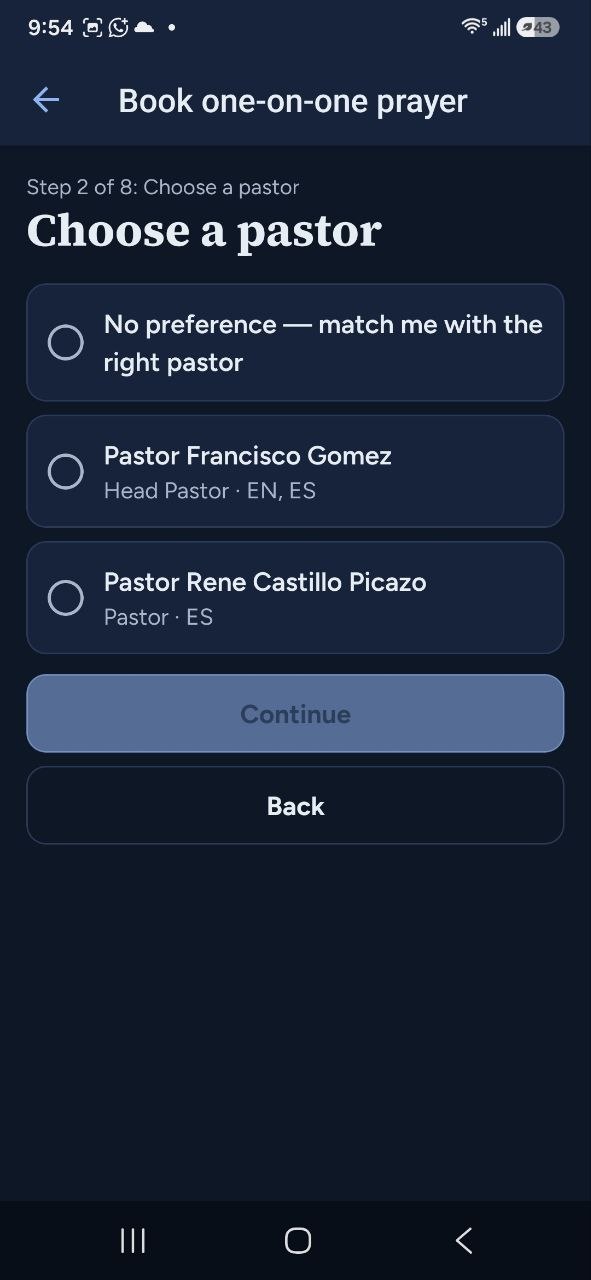
Book a pastorChoose who you talk with 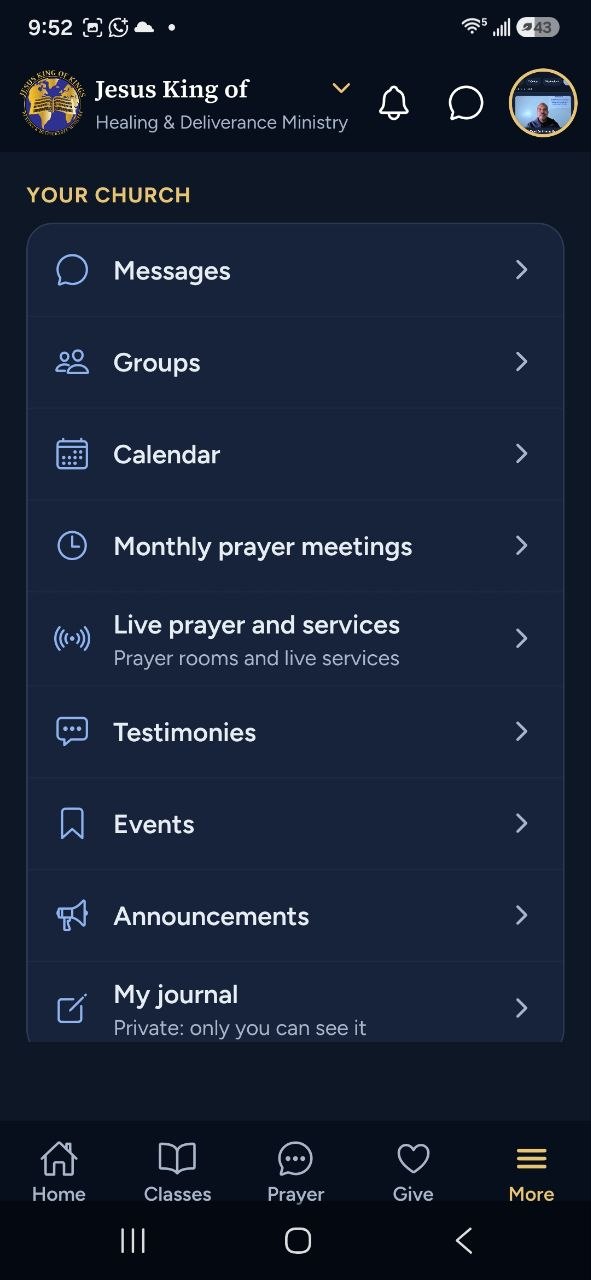
MoreGroups, events and more
How to get started
It takes a few minutes, and you only do it once.
Open Google Play
On your Android phone, tap “Get Our App”. On a computer, scan the QR code below with your phone’s camera.
Install Church By Faith
Tap Install. The app is free.
Create your account
Open the app and tap “Create an account”. A short sign-up page opens in your browser; when you finish, come back to the app and sign in.
Join the ministry
If your account is not part of the church yet, the app shows a “Request access” button. Once you are approved, everything opens up.
No Android phone? Everything on this website — booking one-on-one prayer, prayer requests and live prayer — works on any phone or computer.
A simple daily rhythm
Ten or fifteen minutes a day is enough to start.
Read
Open today’s reading plan and read a passage of Scripture.
Listen
Play a teaching — on the way to work, or saved for offline.
Pray
Share a request, join a live prayer room, or book time with a pastor.
Connect
Say hello to your group and check what is coming up this week.
Questions about the app
- How much does the app cost?
- Nothing. The app is free to download and free to use. Giving to your church is available in the app, and it is always optional.
- Which phones does it work on?
- The app is currently available for Android phones (Android 7.0 or newer), on Google Play. It is not available for iPhone. Everything on this website, such as prayer requests and booking a pastor, works on any phone, iPhone included.
- What languages does it speak?
- English and Spanish. You can switch languages in the app at any time.
- How do I get prayer?
- In the app, open the Prayer tab to share a request, book a one-on-one session with a pastor, or join a live prayer room. On the website you can book one-on-one prayer without the app. Pastors answer as they are available, so please call 911 or your local emergency number in an emergency. Book one-on-one prayer on the website
- How do I delete my account?
- In the app, open More and choose “Delete account”. You can also start the request on the website. Delete your account
- What happens to my information?
- We do not sell your information. Our privacy policy explains what is collected and how to ask us to delete it. Read the privacy policy
- Who do I contact for help with the app?
- Write to the Church By Faith team by email, in English or Spanish. Email help@byfaithapps.com
Walk with us this week
Download the app, or start with a one-on-one conversation and prayer with a pastor.
 Currently available for Android
Google Play and the Google Play logo are trademarks of Google LLC.

Are you a pastor or church leader? Church By Faith is also the platform behind this app. See Church By Faith for churches